This is the third post in my series on becoming AI native as a designer.
For part 2, go here:
Claude is not one thing. It’s at least four things. And each level is a different depth of power, commitment, and integration into how you actually work.
Most people stop at level one and wonder why it doesn’t feel like it meets the hype we’re all seeing online. I did the same thing for a while. Here’s what I wish someone had told me earlier.
I’m calling it the Claude Chat to Claude Code pipeline. And I did it in 4 days. Here’s how it went down.
Day 1: Claude Chat
This is where everyone starts. You open the browser, type a question, Claude answers. Simple.
And it is useful. Really useful, actually. Knowledge gathering, quick research, writing cleanup. If you have a draft that needs a second pass, Claude Chat can do that. If you have a quick question you’d normally Google, Claude Chat is great for that too.
The thing nobody tells you: every time you open a new conversation, you’re starting from scratch. No memory of who you are, what you’re working on, what tone you write in. You’re re-explaining yourself constantly. It’s productive, but it’s a little like having a brilliant assistant with amnesia.
Good for quick questions. Not where the deep work happens.
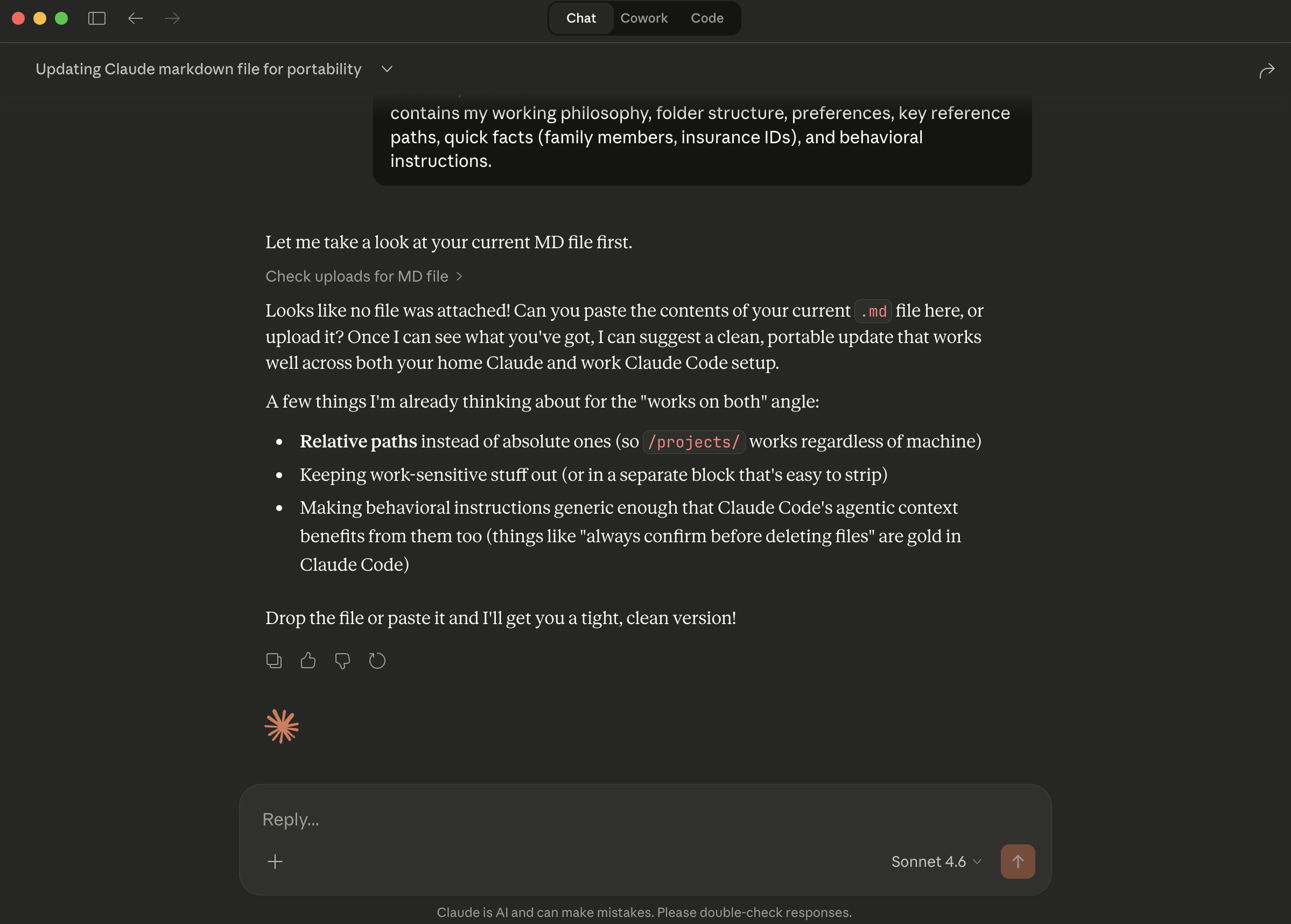 I started asking Claude how best to use Claude.
Day 2: Claude CoWork
This is where things start to click.
CoWork is a desktop app that automates file and task stuff. You give Claude context for reuse. Your writing style, your role, what you’re building, how you think. It remembers. And suddenly you stop re-explaining yourself and start actually working.
Theoretical knowledge becomes practical application. You’re not just asking questions anymore. You’re building things on your computer or environment without needing to know any code or how to use the terminal.
Repeatable structures, workflows, templates. You make something once and use it across everything.
This is also where you develop real skills with AI. Writing guardrails. Global rules. Switching between voices and styles. Telling it to write like you specifically, not like a generic assistant. The craft develops here. The habits form here.
This is where the work gets done.
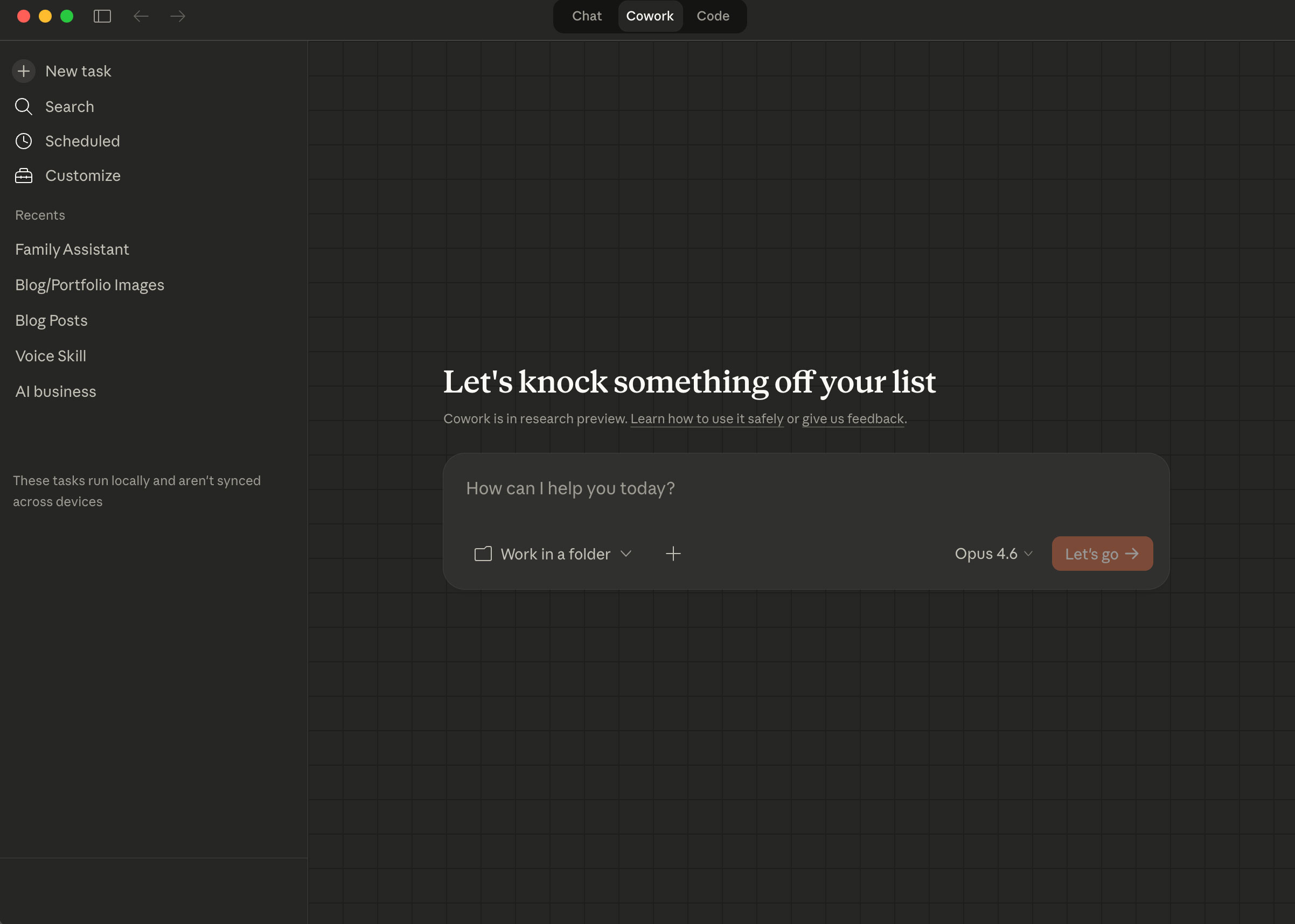 Just select a folder and start tasking.
Day 3: Claude Code
Okay. Now we’re getting somewhere.
Claude Code connects directly to your machine. It can read your files, edit your files, run commands, build things. It’s not just answering questions. It’s doing things.
Think of it like having a thought partner who is also a principal engineer. You describe what you want. It writes the code, explains the tradeoffs, flags the risks. You don’t have to know how to code. You just have to know what you want.
This is where systems scale. Where an idea you had in a conversation actually becomes something real on your computer.
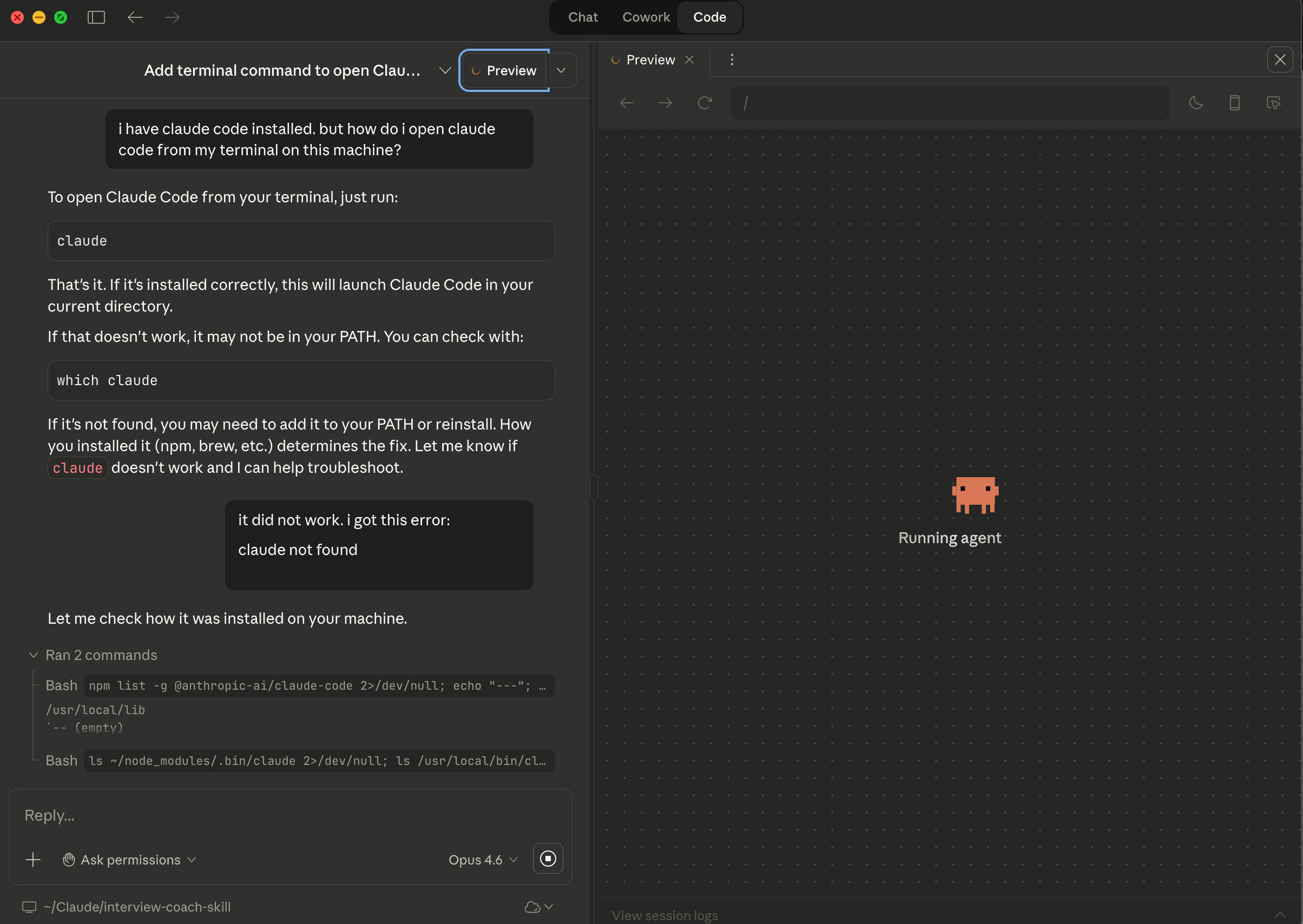 Claude Code at work on the left, Claude dancing while thinking on the right.
Day 4: Terminal Claude Code
This one is hard to explain without sounding dramatic (which I can be). So I’m just going to be honest.
Terminal Claude Code is quiet power. Shhh. You’re not clicking around a UI. You’re typing commands directly to your computer, with Claude running alongside you, making everything faster and more precise. It looks like something from an 90’s hacker movie. It kind of is.
(“Burn. You’re Acid Burn. You booted me out of OTV!”)
The depth of integration here is different from everything else. You can run multiple terminals for different purposes. One for writing. One for code. One for a specific project. You’re not context-switching. You’re orchestrating. You’re directing. You have a direct line to your systems and Claude is amping up everything you do.
With that comes real responsibility. These aren’t suggestions. These are direct edits with direct consequences. You have to know what you’re doing, or at least know what questions to ask.
But when you get there? It’s a different kind of productive. The quiet kind. The focused kind.
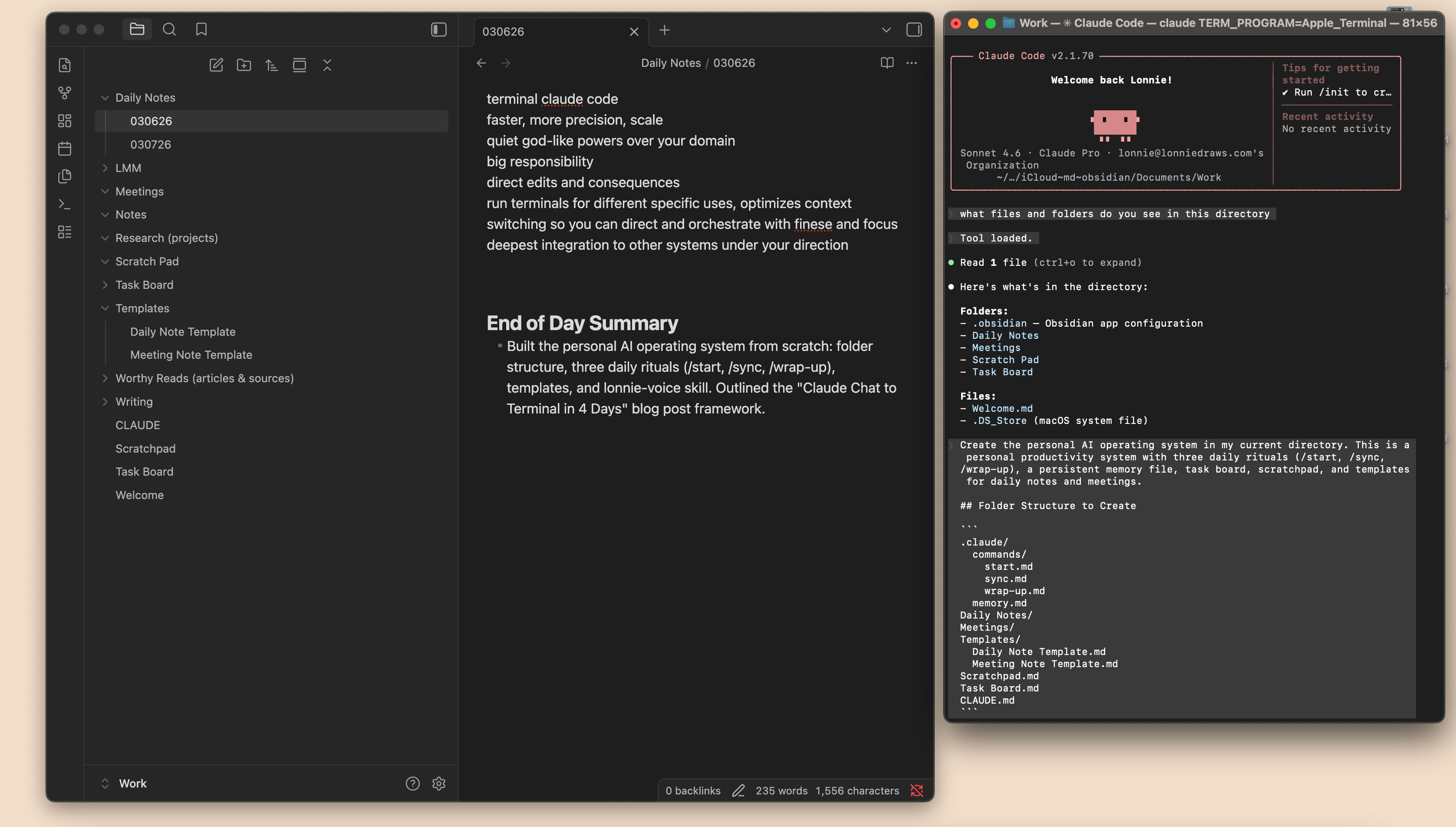 My new supercharged task list and open source note taking system powered byObsidianon the left. Simultaneously updating rules, naming conventions, and content systematically via the terminal on the right.
Each level builds on the last. I didn’t skip ahead, but jumped from one to the next. You start with Chat, get comfortable, move to CoWork, build your habits, then step into Code and … and then eeek Terminal when you’re ready.
(“HACK THE PLANET!”)
So from one side to the other in just 4 days was how I did it. Once I felt like one level was unlocked I thought I bet the next might also do x, y and z. And it did. Faster than I could have hoped for. Some people spend years at level one. That’s completely fine, ‘cause that was me. But just know, if you’re starting at Level 1 today, I hope you enjoy the ride to the other side.
It’s nice here.
Cheers, friends.